Информация о товаре
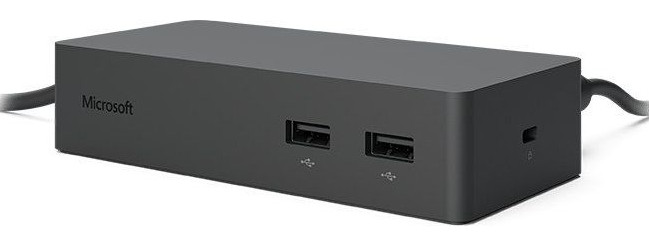
Microsoft Surface Pro 3/4 Docking Station
Описание товара на английском языке:
Get to know the Surface Dock and Surface docking stations
You can use a docking station to transform your Surface into a full desktop PC. Use it to connect your Surface to a full-size monitor, Ethernet connection, external speakers, and more while also charging your Surface.
There are two types of docking stations available for Surface:
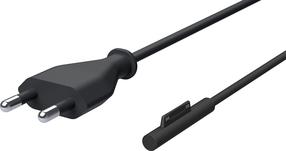
Surface Dock (compatible with Surface Book, Surface Pro 4, and Surface Pro 3) is a port replicator with a compact design that doesn't require you to dock your Surface. Your Surface simply connects to a Surface Dock through a single magnetic SurfaceConnect cable. Surface Dock supports high-speed transfer of video, audio, and data. Its compact design gives you flexibility and keeps your desktop clutter-free.
The docking stations for Surface Pro 3, Surface 3, Surface Pro 2, and Surface Pro hold your Surface in a frame. To dock your Surface, you place it in the frame of the docking station and slide the sides of the docking station into the sides of your Surface.
Описание товара на английском языке:
Get to know the Surface Dock and Surface docking stations
You can use a docking station to transform your Surface into a full desktop PC. Use it to connect your Surface to a full-size monitor, Ethernet connection, external speakers, and more while also charging your Surface.
There are two types of docking stations available for Surface:
Surface Dock (compatible with Surface Book, Surface Pro 4, and Surface Pro 3) is a port replicator with a compact design that doesn't require you to dock your Surface. Your Surface simply connects to a Surface Dock through a single magnetic SurfaceConnect cable. Surface Dock supports high-speed transfer of video, audio, and data. Its compact design gives you flexibility and keeps your desktop clutter-free.
The docking stations for Surface Pro 3, Surface 3, Surface Pro 2, and Surface Pro hold your Surface in a frame. To dock your Surface, you place it in the frame of the docking station and slide the sides of the docking station into the sides of your Surface.
Часто покупают вместе

ТОП товар
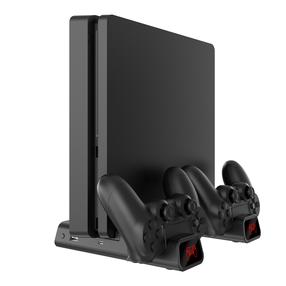
Зарядная станция White Shark PS4-19076 Cutman Cooling pad + 2 Charging Dock, черный цв.
23,89 €
Обычная цена
29,39 €
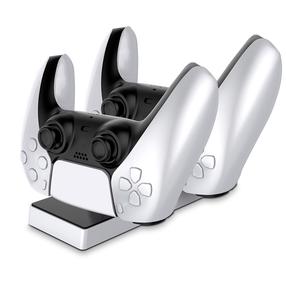
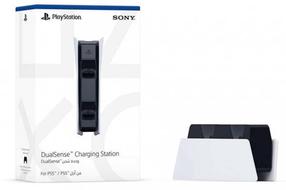
CP GameBox PS5 Двух Портовая Зарядка Док-станция для Play Station 5 Контроллеров с USB-C & LED
11,98 €
Обычная цена
18,59 €
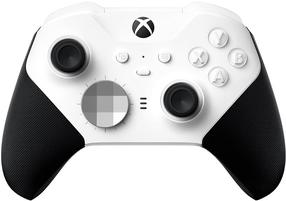
Игровой контроллер Microsoft XBOX Wireless Controller Elite 2 Core, белый цв./черный цв.
134,99 €
Обычная цена
149,90 €
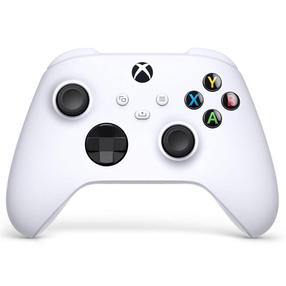
Игровой контроллер Microsoft XBOX Wireless Controller Robot White, белый цв.
54,90 €
Обычная цена
64,90 €