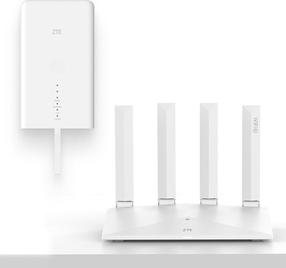
A WiFi router both for home and advanced users. The D-Link DIR-2150 provides wireless Internet access for computers, tablets, and mobile phones. It works with 802,11a (5GHz), 802,11b (2,4GHz), 802,11g (2,4GHz), 802,11n and 802,11ac standards and Dual-band frequency., which means it uses two bands. For better reception, the device is equipped with 4 external antennas. The handy DHCP functions of this router include Server and Client. The wireless bandwidth speed reaches 2033 Mb/s or 1 Gbit with LAN connection.
- The router's minimalistic design highlighted by the colour scheme makes it a good fit for any household
- Supports the following standards: 802,11a (5GHz), 802,11b (2,4GHz), 802,11g (2,4GHz), 802,11n and 802,11ac
- Bandwidth speed up to 2033 Mb/s
- Reliable data security thanks to advanced encryption
- The router installation and setup is so easy anyone can do it
- WiFi Router works with IPv6 protocol
- QoS ensures smooth network traffic
- Multiple data streams provide improved performance
- Guest Zone access for improved network protection
- Maximum number of SSIDs: 1 piece(s)
- Number of external antennas: 4
Secure Connection with the D-Link DIR-2150 WiFi Router
The D-Link DIR-2150 router uses encryption to protect your privacy. The router's encryption standards include WPA, WPA2 and WPA3. This makes the router a good tool for secure web browsing.
Total Bandwidth Control
Thanks to QoS. you can regulate the WiFi router's D-Link DIR-2150 bandwidth priority to ensure the network works the way you need it to.
Hassle-Free Setup with the D-Link DIR-2150 Router
The router is so user-friendly even a beginner can use it. Before you start, please read the included setup guide. Then the only thing left to do is to connect the cables and perhaps enter the information from your service provider.
D-Link DIR-2150: Wireless or Cable Connection
Aside from wireless internet, the router features a LAN port reaching data speeds of up to 1 Gbit. Wired internet tends to be faster and more stable, though in exchange for the freedom and user comfort that makes WiFi so popular.