Toote informatsioon
Toote kirjeldus inglise keeles:
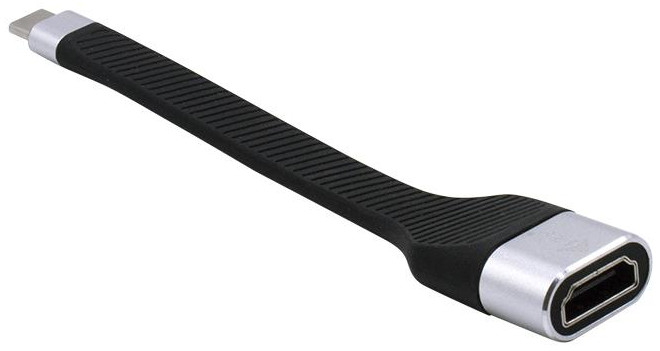
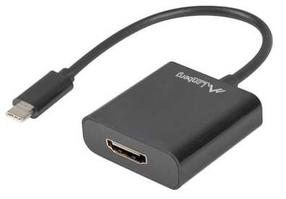
Expand your desktop to external HDMI monitor or connect projector or television with HDMI interface to your notebook, tablet or PC via new USB-C or Thunderbolt 3 connector. The adapter supports 4K Ultra HD video with resolution up to 3840 x 2160@60 Hz and stereo sound. This adapter is made of rugged rubber material that can withstand tough conditions. It is, therefore, an ideal companion for travelling or when working in the field.
Using is very simple, just plug the adapter into the USB-C or Thunderbolt 3 port on your computer, connect it with a display device via HDMI cable and you can immediately start using. Driver installation is automatic from the system.
Please make sure to check a compatibility of your device, whether it meets all the requirements for an operation of the specific i-tec product, especially video output (Display Port Alt mode). If your device would not be fully compatible, your new i-tec product may not operate correctly. You may find the specifications your device (i.e. USB port), in a user manual supplied with your notebook/tablet/smartphone, or – alternatively – via customer service provided by a manufacturer of your device.
Expand your desktop to external HDMI monitor or connect projector or television with HDMI interface to your notebook, tablet or PC via new USB-C or Thunderbolt 3 connector. The adapter supports 4K Ultra HD video with resolution up to 3840 x 2160@60 Hz and stereo sound. This adapter is made of rugged rubber material that can withstand tough conditions. It is, therefore, an ideal companion for travelling or when working in the field.
Using is very simple, just plug the adapter into the USB-C or Thunderbolt 3 port on your computer, connect it with a display device via HDMI cable and you can immediately start using. Driver installation is automatic from the system.
Please make sure to check a compatibility of your device, whether it meets all the requirements for an operation of the specific i-tec product, especially video output (Display Port Alt mode). If your device would not be fully compatible, your new i-tec product may not operate correctly. You may find the specifications your device (i.e. USB port), in a user manual supplied with your notebook/tablet/smartphone, or – alternatively – via customer service provided by a manufacturer of your device.
Koos ostetud
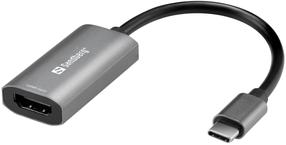
Juhe Sandberg HDMI Capture Link to USB-C 136-36 HDMI, USB Type C, must v./hall v.
33,75 €
Tavahind
35,90 €
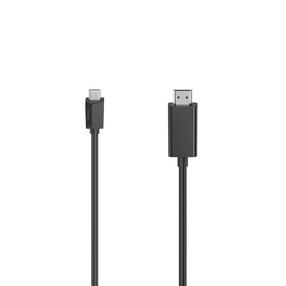
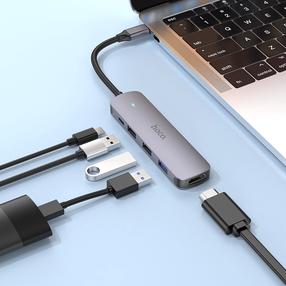
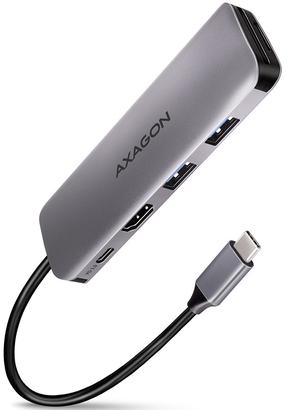
Jagaja Axagon Superspeed HMC-5 10683578 USB Type-C, HDMI x4, 0.020 m, must v./hall v.
31,29 €
Tavahind
38,90 €