Toote informatsioon
Toote kirjeldus inglise keeles:
Docking Made Easy
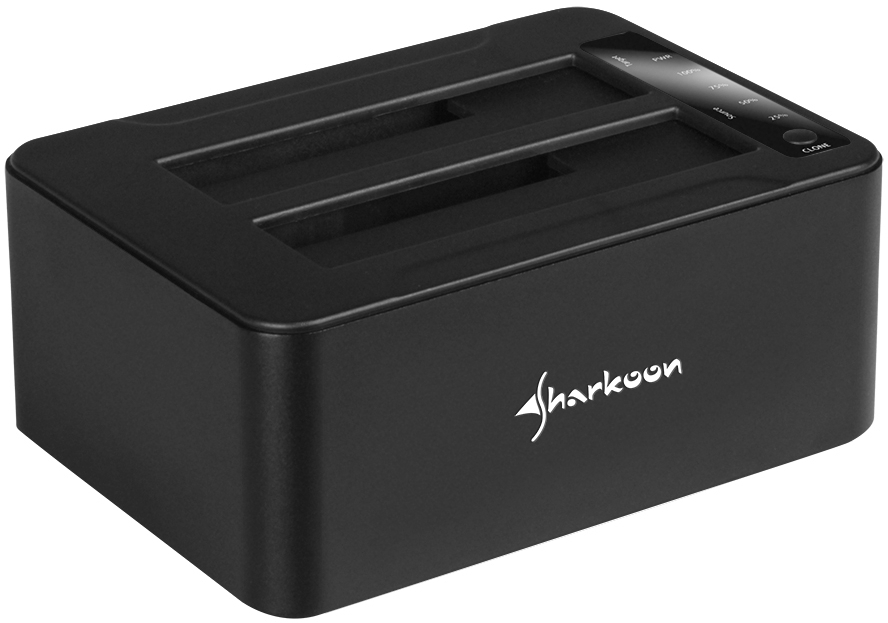
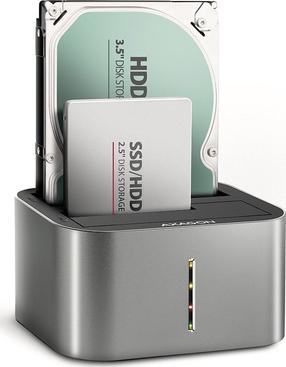
As with all Sharkoon dual docking stations, the QuickPort Duo Clone USB 3.1 Type C quickly connects up to two 2.5" or 3.5" SATA HDD/SSDs to a computer. Simply insert the hard drives into the QuickPort drive bays. Then connect the device with the included USB cable (Type C plug) to an available Type C port on the computer. Connect the power adapter and power. Finished! The QuickPort is easy to operate; and the aluminium framed case makes it chic, robust and, moreover, highly functional. Thanks to its USB 3.1 interface, data can be transferred at a rate of up to 10 gigabits per second – and that is not all.
Clone Hard Drives Without a Computer
The prominent feature of the QuickPort, besides its modern connectivity, is the integrated standalone clone function, which allows cloning between inserted hard drives without the device having to be connected to a computer. Once the hard drives have been inserted, just conveniently press the clone button. The cloning progress can be checked at any time via the status LEDs located on the top of the device. This can be done even faster when using the included FlashCopy and CloneDrive2 software.
Smart Software Functions
The English-language software for Windows systems complements the standalone clone function of the QuickPort with additional copy and clone functions - also for hard drives installed in the PC. With FlashCopy, files are quickly copied between the inserted hard drives, since the device is not detoured through an operating system. With CloneDrive2, larger hard drives can be cloned to lower capacity HDD/SSDs because only pure data is transferred. Empty sectors of the hard drive - unlike the standalone clone function - are simply skipped by the software. The cloning and copying can, of course, be conveniently customized within the software and monitored at any time.
Docking Made Easy
As with all Sharkoon dual docking stations, the QuickPort Duo Clone USB 3.1 Type C quickly connects up to two 2.5" or 3.5" SATA HDD/SSDs to a computer. Simply insert the hard drives into the QuickPort drive bays. Then connect the device with the included USB cable (Type C plug) to an available Type C port on the computer. Connect the power adapter and power. Finished! The QuickPort is easy to operate; and the aluminium framed case makes it chic, robust and, moreover, highly functional. Thanks to its USB 3.1 interface, data can be transferred at a rate of up to 10 gigabits per second – and that is not all.
Clone Hard Drives Without a Computer
The prominent feature of the QuickPort, besides its modern connectivity, is the integrated standalone clone function, which allows cloning between inserted hard drives without the device having to be connected to a computer. Once the hard drives have been inserted, just conveniently press the clone button. The cloning progress can be checked at any time via the status LEDs located on the top of the device. This can be done even faster when using the included FlashCopy and CloneDrive2 software.
Smart Software Functions
The English-language software for Windows systems complements the standalone clone function of the QuickPort with additional copy and clone functions - also for hard drives installed in the PC. With FlashCopy, files are quickly copied between the inserted hard drives, since the device is not detoured through an operating system. With CloneDrive2, larger hard drives can be cloned to lower capacity HDD/SSDs because only pure data is transferred. Empty sectors of the hard drive - unlike the standalone clone function - are simply skipped by the software. The cloning and copying can, of course, be conveniently customized within the software and monitored at any time.
Koos ostetud
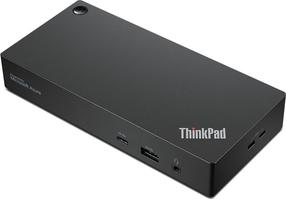
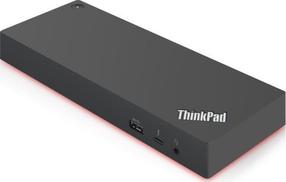
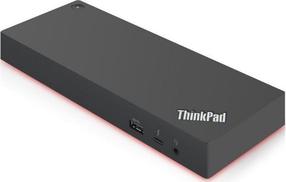
Dokkimisjaam ja pordi replikaator Lenovo ThinkPad Thunderbolt 3 40ANY230DK, must v./punane v.
619,00 €
Tavahind
649,00 €
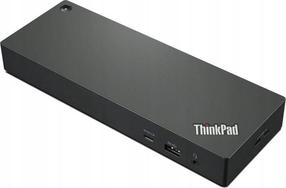
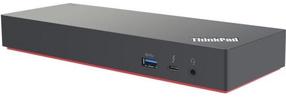
Dokkimisjaam ja pordi replikaator Lenovo ThinkPad Thunderbolt 4 40B00135DK, must v./punane v.
379,00 €
Tavahind
389,00 €