Toote informatsioon
Tootekirjeldus inglise keeles:
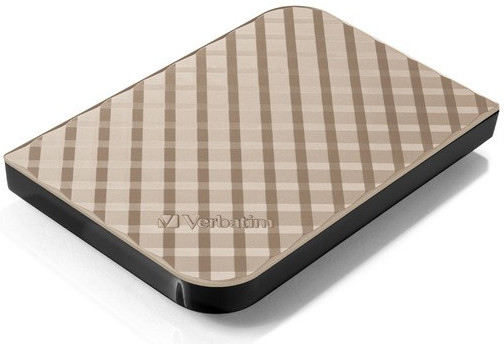
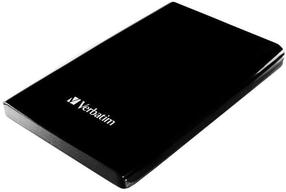
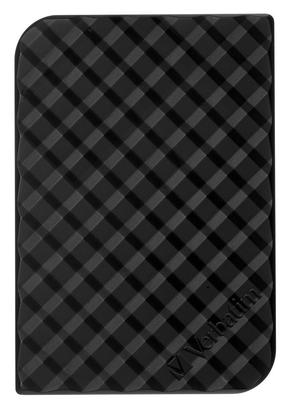
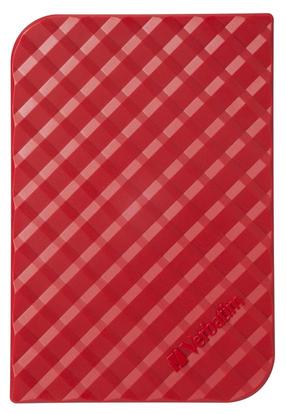
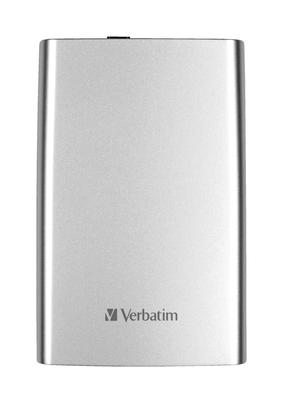
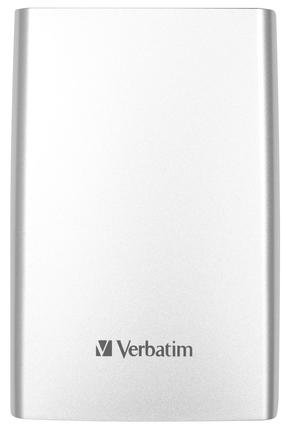
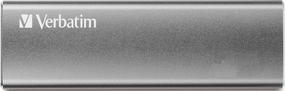
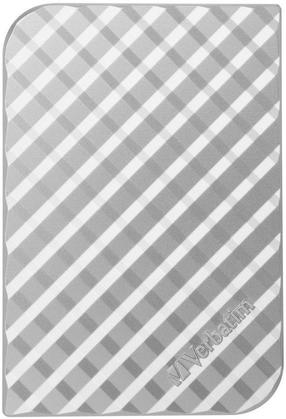
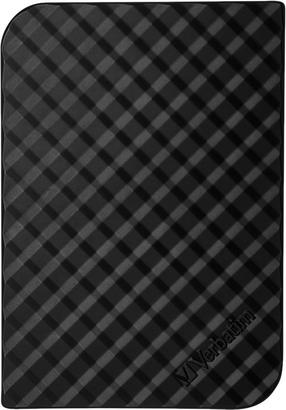
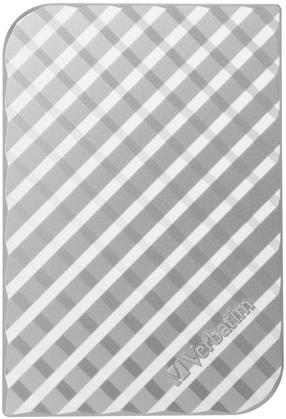
The Store 'n' Go portable hard drive provides excellent performance thanks to the USB 3.0 Super Speed interface. The USB 3.0 interface provides up to 10 times faster data transfer compared to the USB 2.0 interface (based on the USB bus speed), guaranteeing fast data transfer on the go. The Store n Go portable hard drive uses a powered USB 3.0 interface (1 x USB 3.0) and is compatible with any USB 2.0 port available on desktop and laptop computers. An additional power supply is not required, just plug it in and start using it.
Verbatim Store 'n' Go Portable Hard Drives, also come with Green Button energy saving software. Green Button software suspends the hard drive from spinning while not in use increasing efficiency and saving energy. There are 3 'Sleep Setting' options. Set the suspend mode to come in after 10 minutes of use, or by increments of 10 minutes up to 120 minutes. Set the drive to suspend immediately by double clicking the Green Button icon on the desktop, alternatively you can set the drive to 'Never Suspend the disk'
Verbatim Store 'n' Go Portable Hard Drives, also come with Green Button energy saving software. Green Button software suspends the hard drive from spinning while not in use increasing efficiency and saving energy. There are 3 'Sleep Setting' options. Set the suspend mode to come in after 10 minutes of use, or by increments of 10 minutes up to 120 minutes. Set the drive to suspend immediately by double clicking the Green Button icon on the desktop, alternatively you can set the drive to 'Never Suspend the disk'
Koos ostetud