Toote informatsioon
Toote kirjeldus inglise keeles:
Description
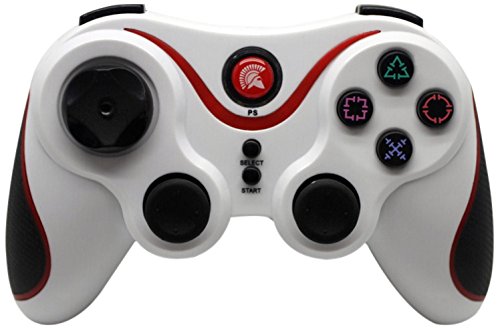
The Spartan Gear PS3 Wireless Bluetooth Six-Axis Controller with Analog Triggers, uses Bluetooth technology to connect with the PS3 console. It also integrates motion sensing technology, which can detect the full directional dynamic information supplied by the user, such as Roll, Pitch, etc. It not only senses the angle of the controller, but it can also detect the acceleration from X, Y and Z axis, and send the information back to the PS3 console. Through this controller, the users can perform special actions for motion sensing compatible games.
Features
- Bluetooth wireless technology, no delay, decent performance for up to 8m.
- Rumble/vibration function support.
- Six-axis motion sensing technology.
- Built-in lithium battery, rechargeable, with charging indicator on the controller.
- Standard D-pad (cross shape).
- Analog Triggers (L2 and R2).
- CE Marking – certified product.
Instructions
To use the controller with your console, just press the “Spartan Logo Button” in the middle of your controller to locate a signal channel and the controller is ready to use. Please note that when you connect the controller for the first time with your PS3 console, you have to connect it with the USB Charge cable (not included). If you encounter any problem with the controller, gently insert a slender object such as a small straightened paperclip into a hole located on the back of the controller, to reset the hardware.
Koos ostetud
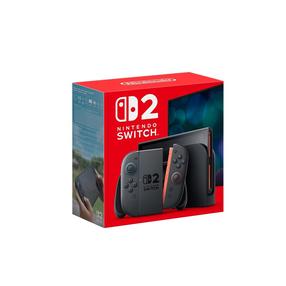
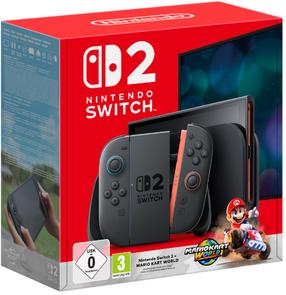
Mängukonsool Nintendo Switch 2 N2H002, HDMI / LAN / USB Type A / 2 x USB Type-C, 256 GB, must v.
Tavahind
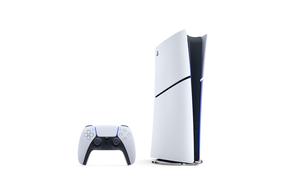
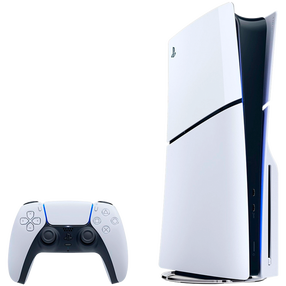
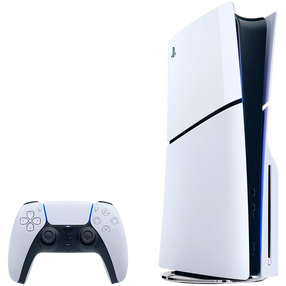
Mängukonsool Sony PlayStation 5 Slim Digital Edition, HDMI / USB / 1 x USB-C, 825 GB
Tavahind
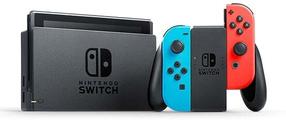
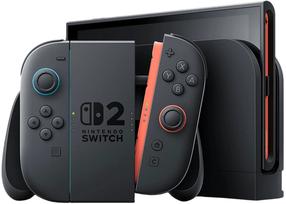
Mängukonsool Nintendo Switch Neon-Red/Neon-Blue, HDMI / Wi-Fi / USB Type A / USB Type-C, 32 GB
Tavahind