Toote informatsioon
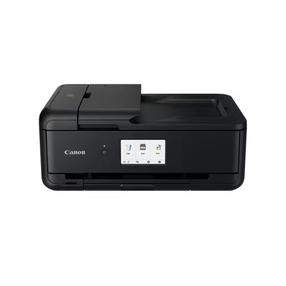
Canon PIXMA MX495
Toote kirjeldus inglise keeles:
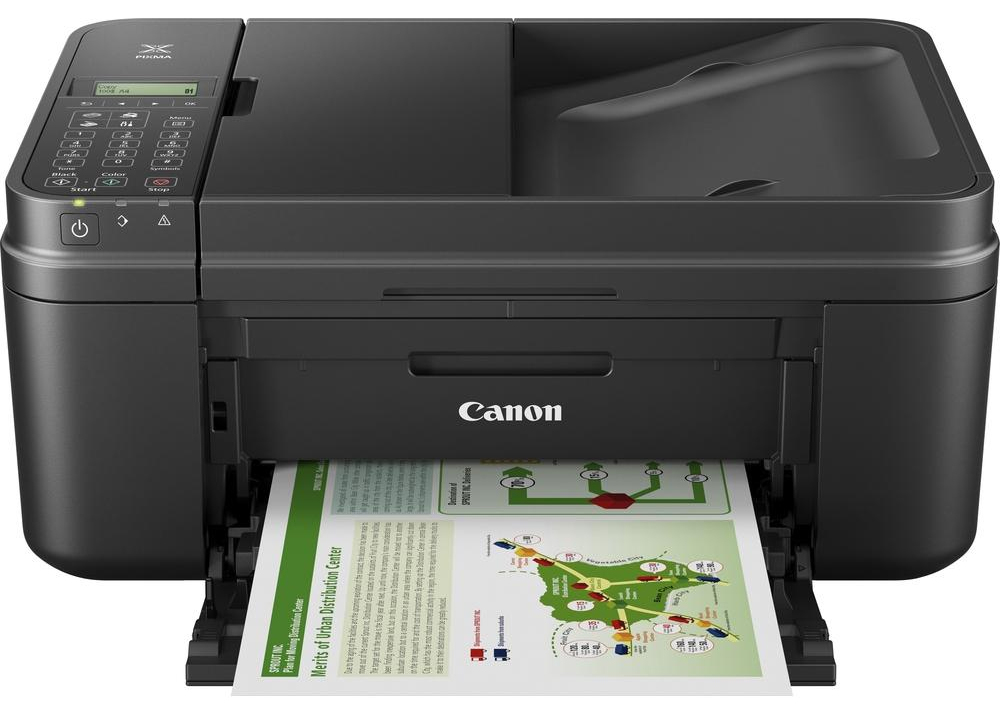
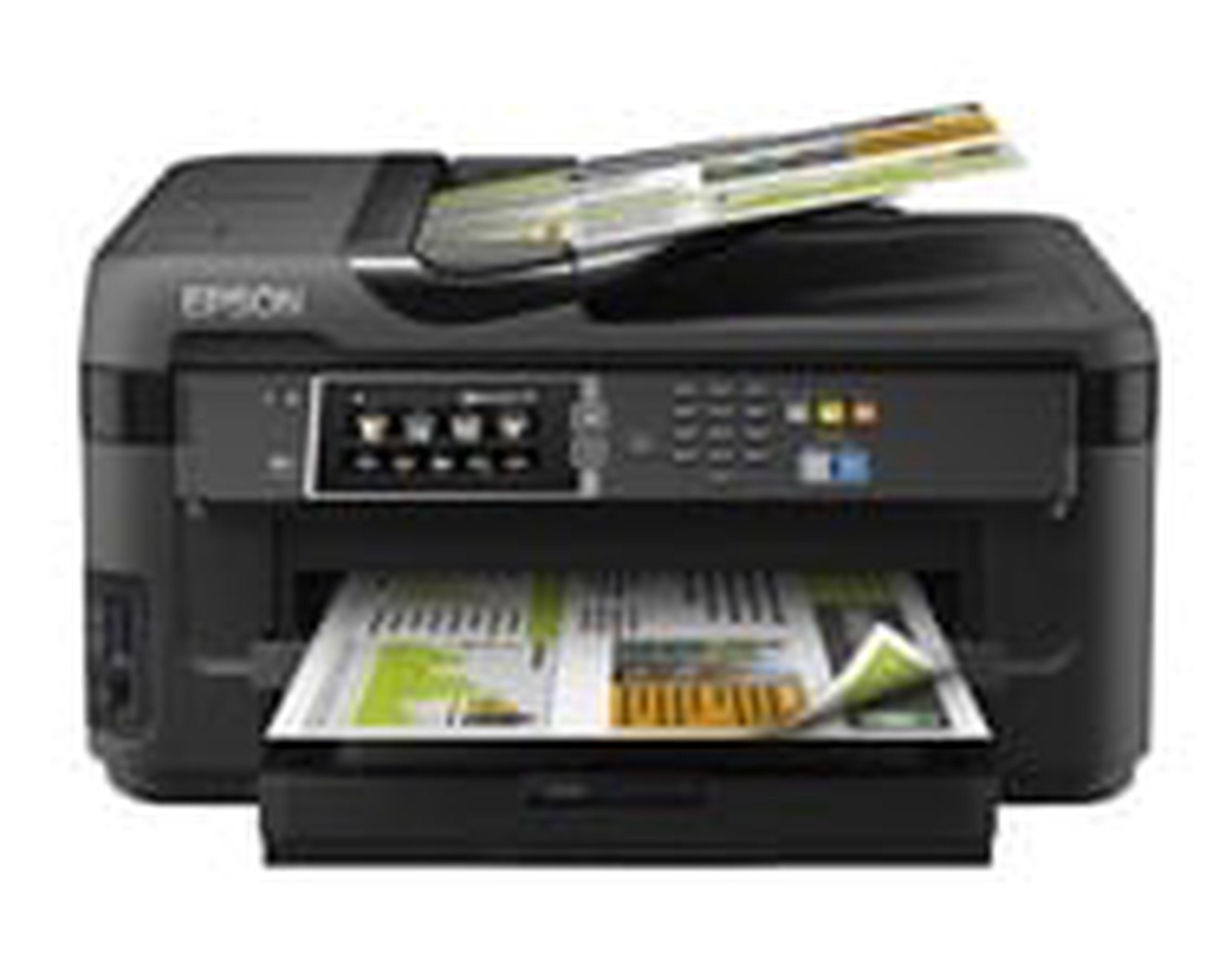
Affordable wireless All-In-One with cloud connectivity, fax and ADF for the home
Connect to the cloud with this affordable Wi-Fi® All-In-One. Ideal for the home you can print, copy, scan and fax with ease as well as share functions between multiple devices including smartphones and tablets.
Benefits
Share versatile functionality at home
Enjoy cost effective, everyday functionality at home with PIXMA MX495, which allows easy wireless sharing of print, copy, scan and fax functions between multiple devices and features a stylish, ultra-small, space saving footprint that fits easily into any environment.
Fast high quality printing
Experience fast high quality printing at 8.8 ipm (mono) and 4.4 ipm (colour), with up to 4800 dpi resolution and great levels of detail.
Seamless connection with smart devices
Print from and scan seamlessly to smartphones and tablets with full Apple iOS and Android device support, which includes Apple AirPrint™ for easy wireless printing from an iPhone®, iPad® or iPod Touch® without an additional app.
Get the free and easy app
Download Canon’s PIXMA/MAXIFY Printing Solutions app for quick and easy wireless printing from smartphones and tablets. You can even print from, and scan to smart devices over a Wi-Fi® network – without connecting to a PC or installing a driver.
Mobile printing
Print directly from mobile devices without joining a secure Wi-Fi® network thanks to Access Point Mode or print from virtually anywhere with Google Cloud Print™ support.
Connect with cloud services using PIXMA Cloud link
Go direct to the cloud with PIXMA Cloud Link, which lets you print photos in seconds from Facebook, twitter and online albums; print from and scan to popular cloud services like Google Drive™, OneDrive and Dropbox; and attach and send scanned files/images directly via email - all without using a PC.*
Print more for less with optional XL cartridges
Relax and save with optional XL cartridges, which deliver significantly more pages, last longer between ink replacements – an ideal time saver if you print frequently - and can deliver up to 30% cost savings per page compared to their standard equivalents.
Quick multipage scan, copy and fax with 20 sheet ADF
Be more productive thanks to a fully-integrated 20-sheet Automatic Document Feeder that makes scanning, copying or faxing of large documents quick and easy.
Toote kirjeldus inglise keeles:
Affordable wireless All-In-One with cloud connectivity, fax and ADF for the home
Connect to the cloud with this affordable Wi-Fi® All-In-One. Ideal for the home you can print, copy, scan and fax with ease as well as share functions between multiple devices including smartphones and tablets.
Benefits
- Affordable and space saving colour Wi-Fi® All-In-One
- Easily print from, and scan to smartphones or tablets
- Connect with cloud services using PIXMA Cloud link
- Print more for less with optional XL cartridges
- Quick multipage scan, copy and fax with 20 sheet ADF
Share versatile functionality at home
Enjoy cost effective, everyday functionality at home with PIXMA MX495, which allows easy wireless sharing of print, copy, scan and fax functions between multiple devices and features a stylish, ultra-small, space saving footprint that fits easily into any environment.
Fast high quality printing
Experience fast high quality printing at 8.8 ipm (mono) and 4.4 ipm (colour), with up to 4800 dpi resolution and great levels of detail.
Seamless connection with smart devices
Print from and scan seamlessly to smartphones and tablets with full Apple iOS and Android device support, which includes Apple AirPrint™ for easy wireless printing from an iPhone®, iPad® or iPod Touch® without an additional app.
Get the free and easy app
Download Canon’s PIXMA/MAXIFY Printing Solutions app for quick and easy wireless printing from smartphones and tablets. You can even print from, and scan to smart devices over a Wi-Fi® network – without connecting to a PC or installing a driver.
Mobile printing
Print directly from mobile devices without joining a secure Wi-Fi® network thanks to Access Point Mode or print from virtually anywhere with Google Cloud Print™ support.
Connect with cloud services using PIXMA Cloud link
Go direct to the cloud with PIXMA Cloud Link, which lets you print photos in seconds from Facebook, twitter and online albums; print from and scan to popular cloud services like Google Drive™, OneDrive and Dropbox; and attach and send scanned files/images directly via email - all without using a PC.*
Print more for less with optional XL cartridges
Relax and save with optional XL cartridges, which deliver significantly more pages, last longer between ink replacements – an ideal time saver if you print frequently - and can deliver up to 30% cost savings per page compared to their standard equivalents.
Quick multipage scan, copy and fax with 20 sheet ADF
Be more productive thanks to a fully-integrated 20-sheet Automatic Document Feeder that makes scanning, copying or faxing of large documents quick and easy.
Koos ostetud

TOP toode
TOP toode