Toote informatsioon
Tootekirjeldus inglise keeles:
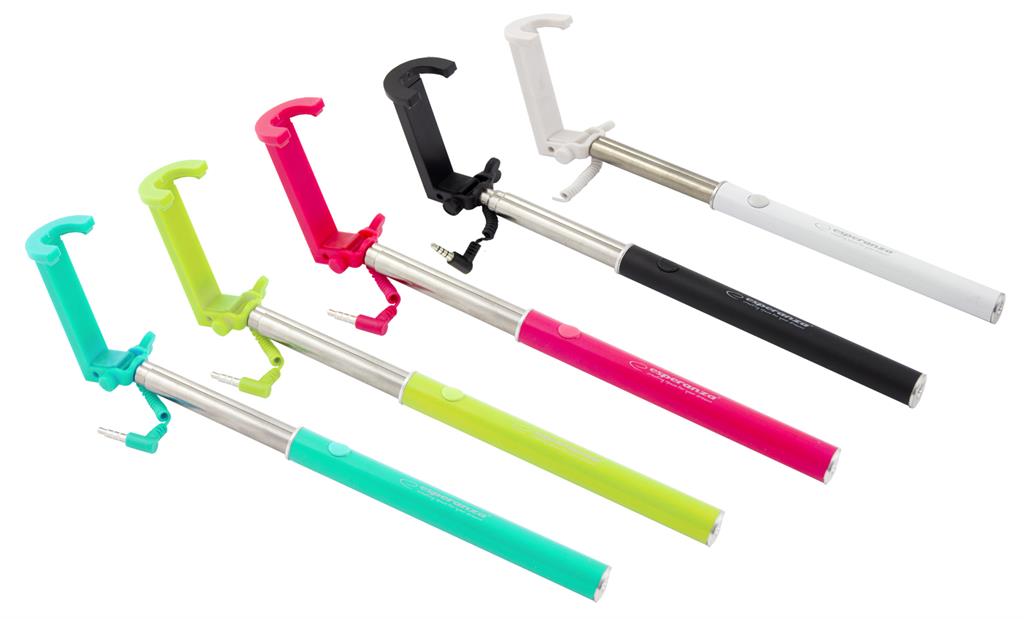
Product description:
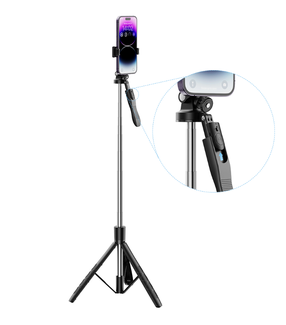
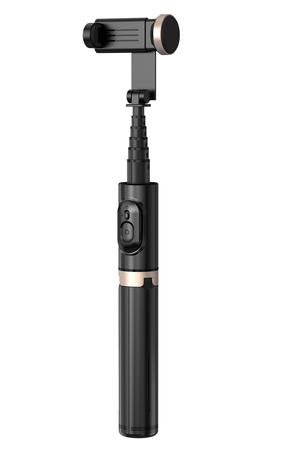
- Handle, boom, monopod for smartphones - a very convenient way to take the so-called "Selfie".
- Ideally suited for taking self-portraits and taking shots from further distances and higher perspectives.
- Monopod equipped with a cable terminated with a minijack connector - after connecting it to the headphone jack on phones / tablets, pressing the button on the mono-pole handle takes the picture - it is necessary to open the camera application on the phone / tablet earlier.
- Works with smartphones and tablets with iOS installed (version 6.0 or newer) or Android (version 4.2 or newer).
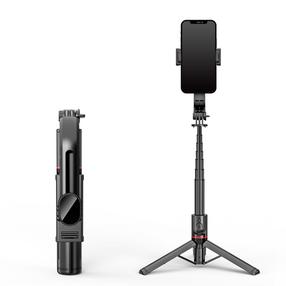
- Thanks to the telescopic construction, you can extend and shorten it comfortably.
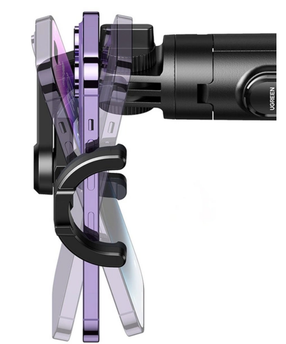
- The adjustable head allows tilting the camera.
- When folded, it takes up little space - it fits in your pants pocket.
Technical Specifications:
- Requires connector: mini jack 3.5mm
- Max. smartphone weight: 500g,
- The length of the monopod: 24 - 66.5 cm
- Cooperation with iOS (version 6.0 or newer) or Android (version 4.2 or newer).
- Movable head with 1/4 inch thread
- Material: Steel
Note:
In order for the monopods to function properly, the camera should assign the camera recording function to the volume key in the camera settings.
On some phones, you may need to install an additional application (e.g. "Camera 360") from the Google Play Store.
Koos ostetud